Case Study
How to sell houses
ELIDAT helps you sell houses faster, more efficiently and more simply.
The house itself is only half of a home — the other half is where it stands. Surroundings, neighbors, service availability.
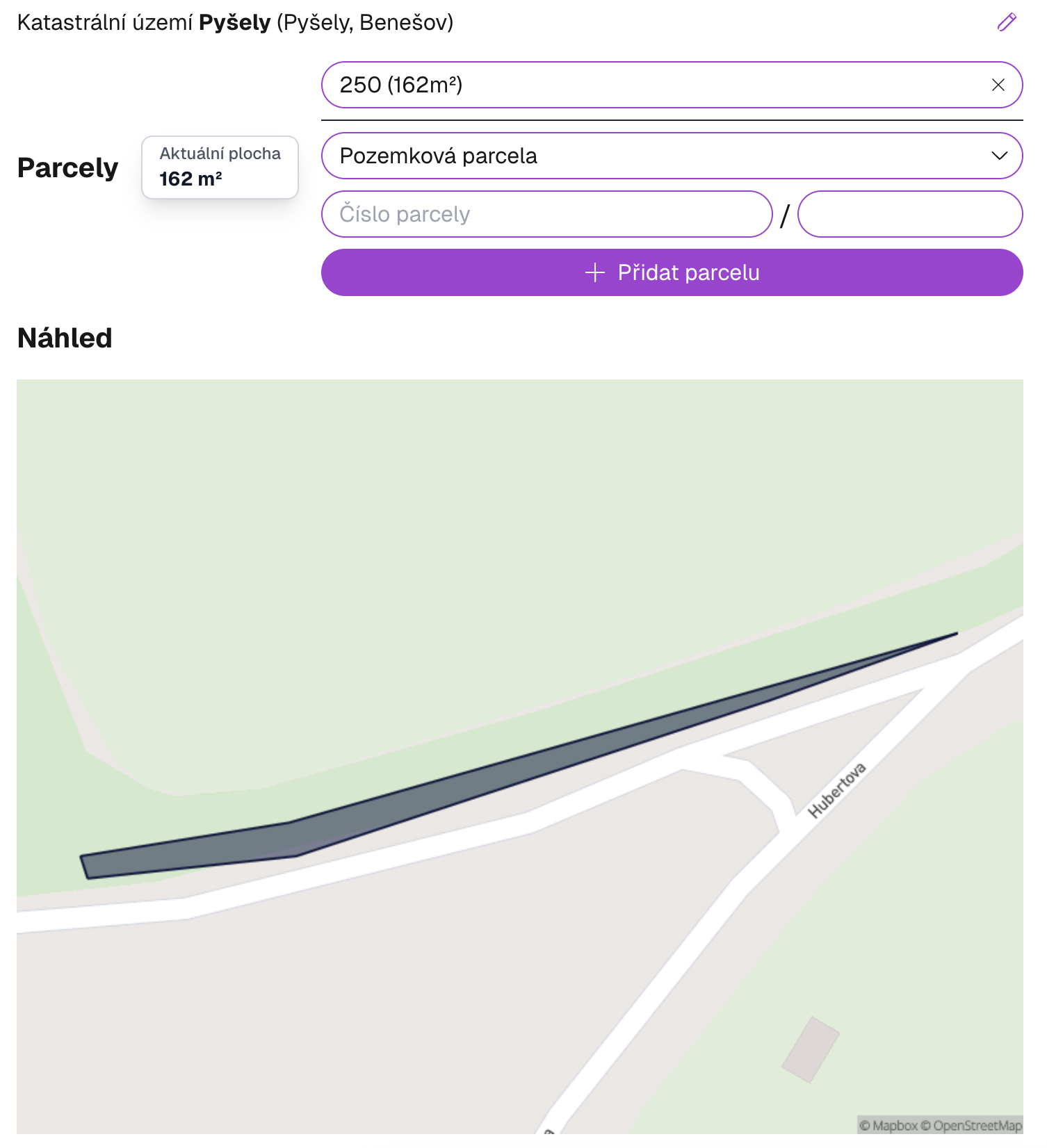
With ELIDAT you create an attractive video presentation that will sell the house from the outside too. You highlight the plot boundaries to make its size clear, and you show the entire surroundings from satellite.
Add your own photos of interior and exterior and supplement them with information about amenities. The resulting video will give your offer a completely new dimension.
I tried the service this week. It was perfect, it was nasty weather, fog, no sunshine.
Jana Klimešová
What do we need to create it?
The entire process takes just a few clicks. Follow these steps.
Where the house is located
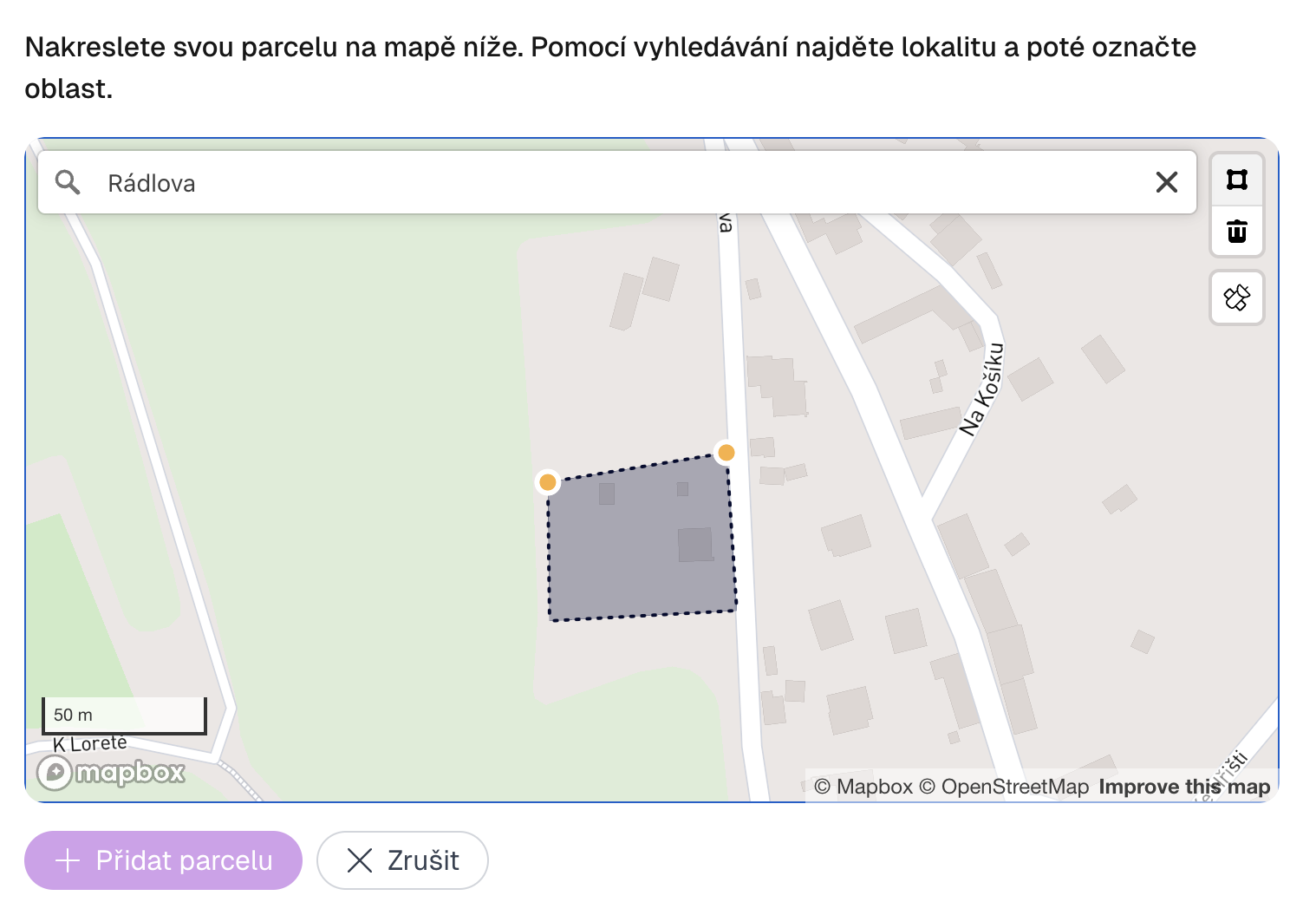
Enter the address, land register number (LV), find the location on the map or draw the plot manually. The system automatically highlights plot boundaries according to cadastral data.
Media addition
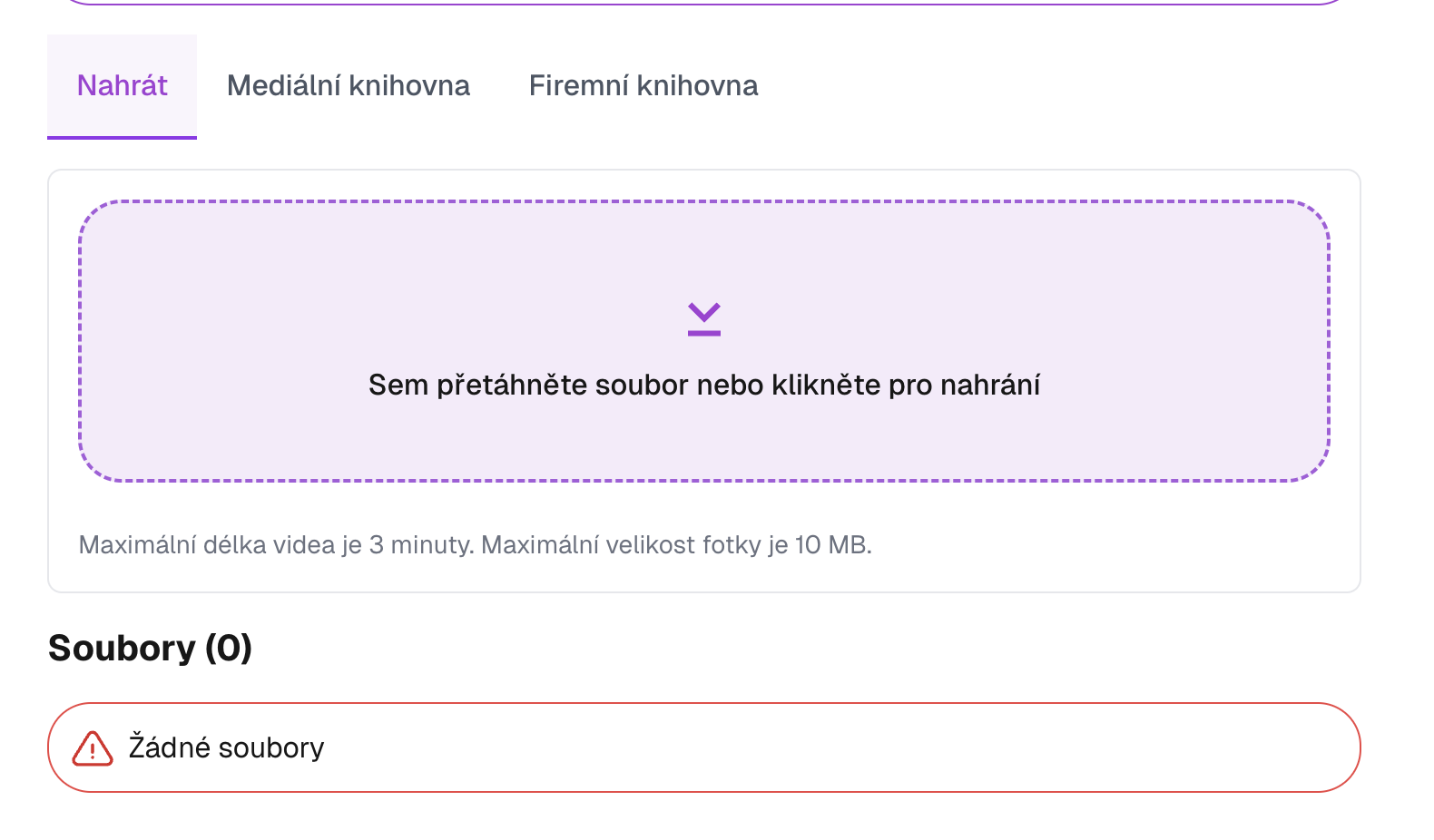
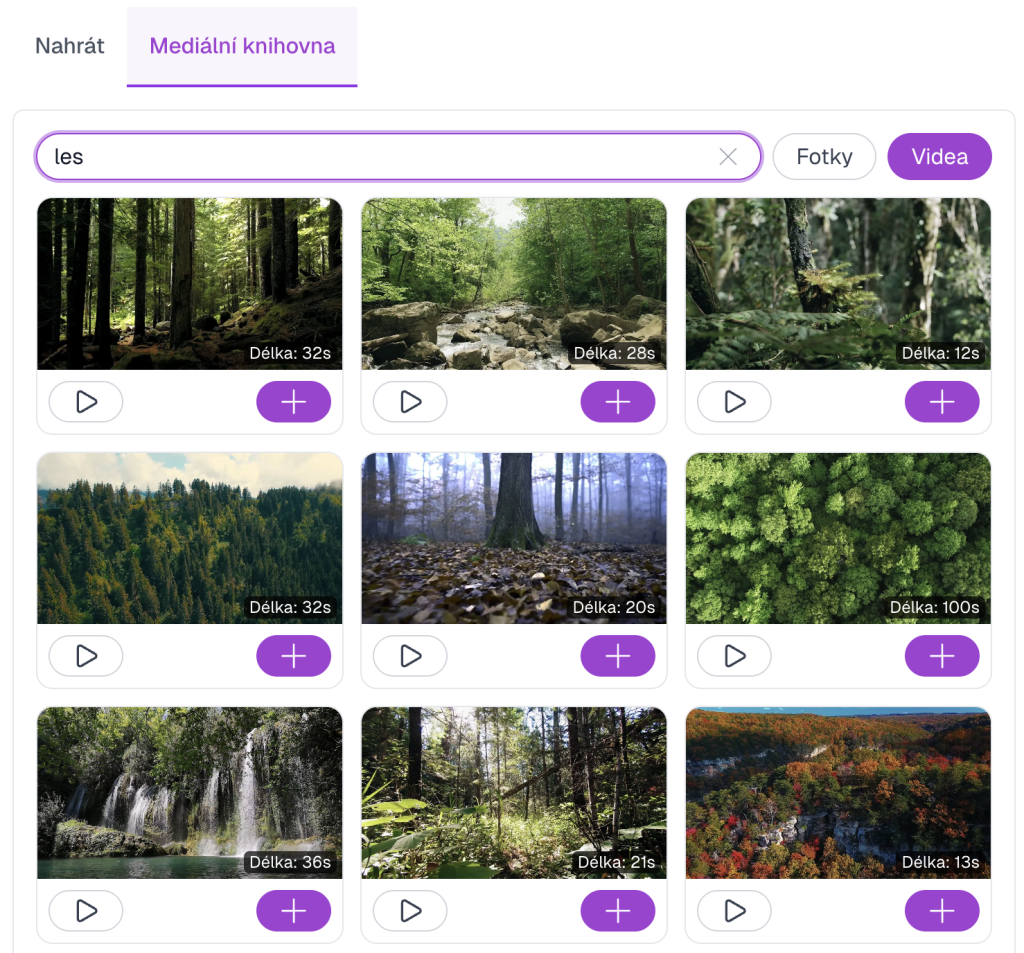
Upload your own photos of house interior and exterior or select from the free public media library. ELIDAT automatically supplements satellite images and views of surroundings.
TIP! – After uploading any photo, you can click the camera icon with a robot to convert the image to video. This way you won't have plastic shots in your video.
TIP! – ELIDAT automatically creates smooth transitions between photos using AI. The resulting video looks like a drone shot — no drone.
Key information
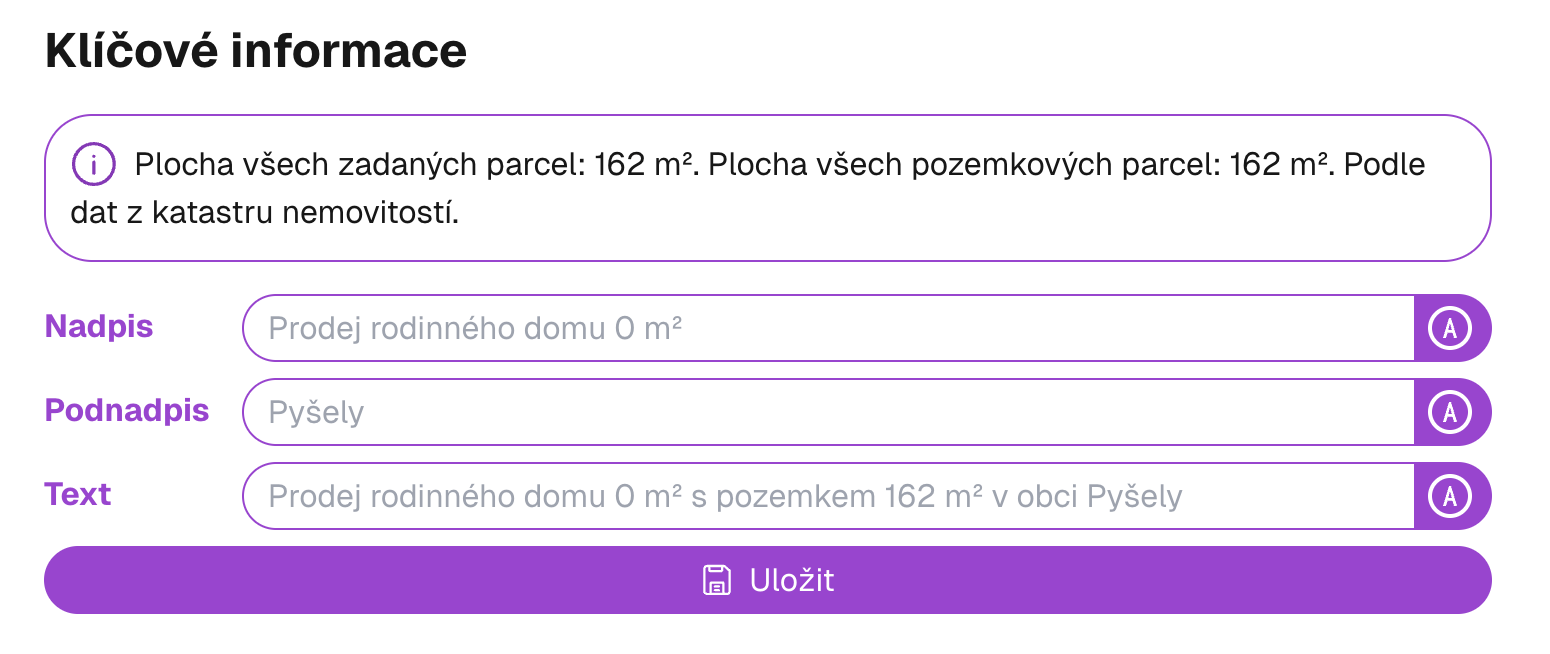
Add important data about the house — area, number of rooms, condition, price and other parameters.
Amenities
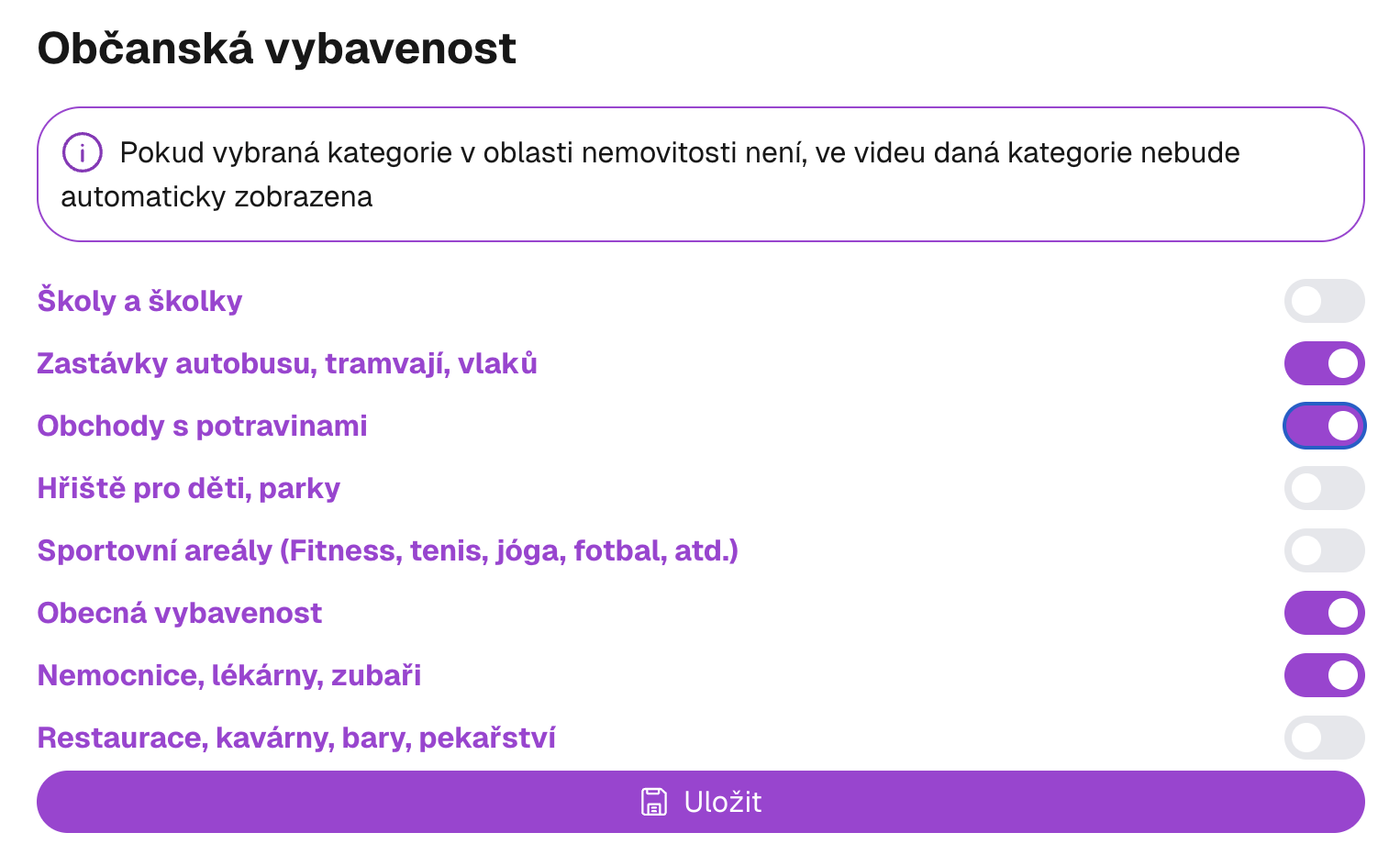
Choose amenity categories you want to display in the video — schools, shops, doctors and other important points of interest around the house.
Audio track
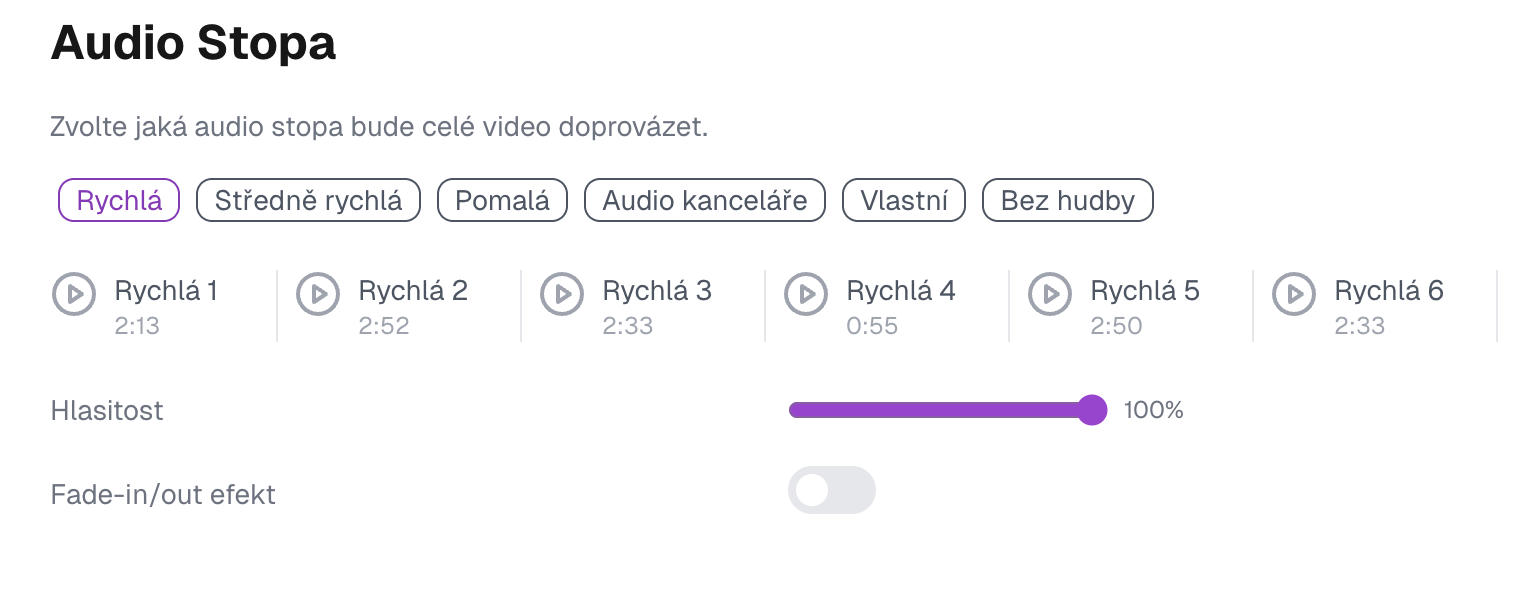
Choose music for the entire video. Choose from several genres and tempos — or upload your own composition.
Adding spoken commentary
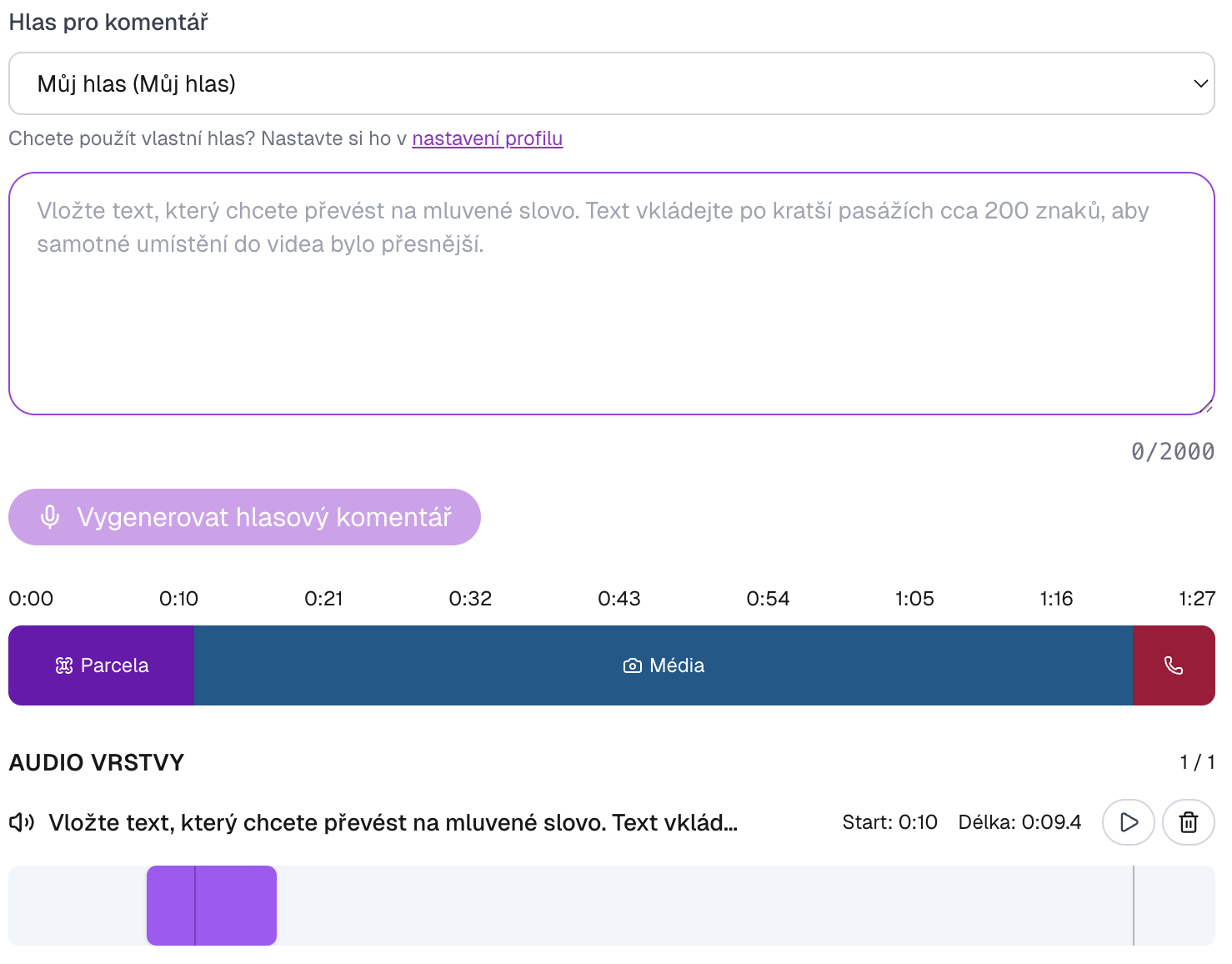
AI generates spoken commentary for each part of the video. Choose from pre-prepared voices, or create a clone of your own voice as part of your subscription — the video then sounds exactly like you.
Key information
Fill in title, subtitle and house description that will appear directly in the video. ELIDAT will insert them into a professional design.
Contact information
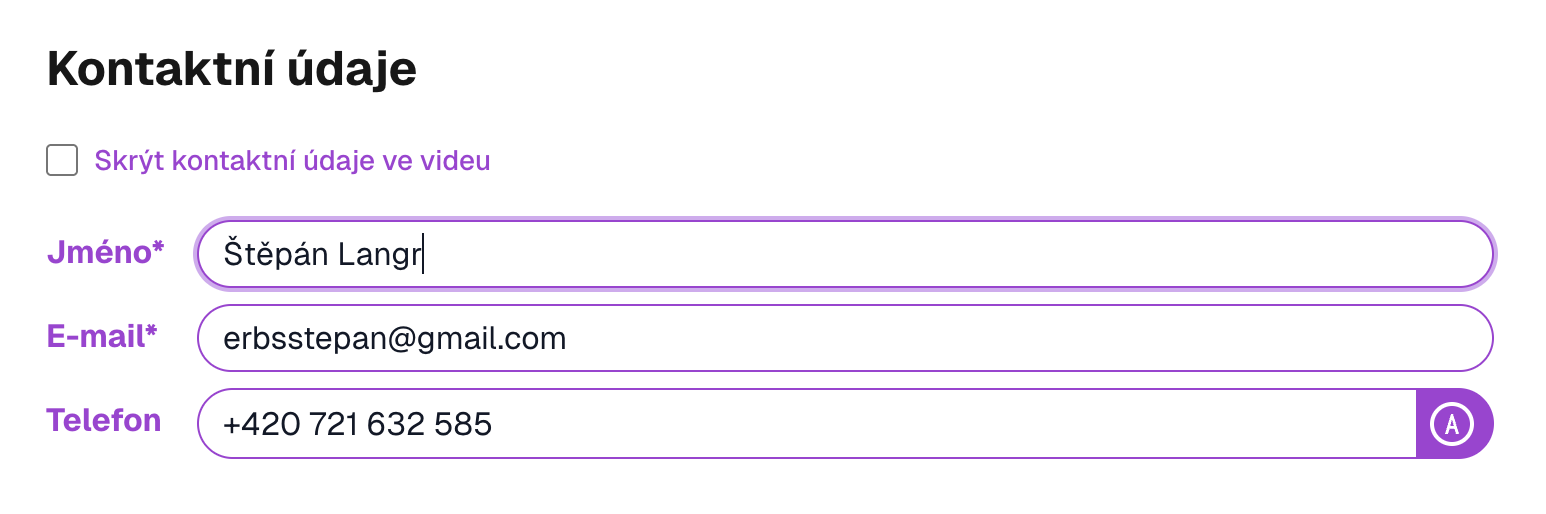
Fill in contact details — name, phone, email and optionally logo. This information will appear on a business card directly in the video.
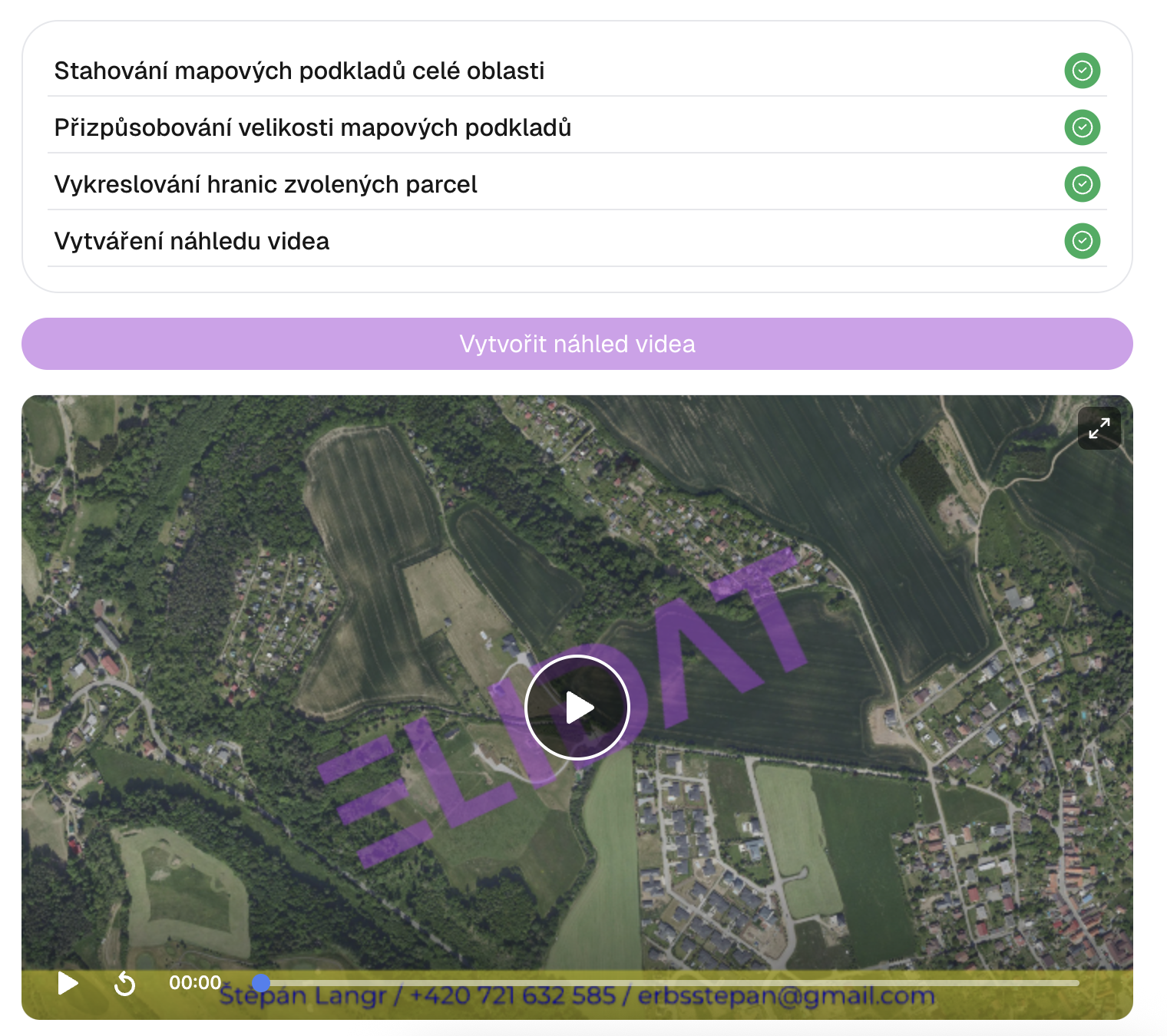
Video preview
The system generates a video preview that you can check. If anything is not correct, you can go back and edit the data.
Reels format
Generate videos in vertical format (9:16) optimized for Instagram Reels, TikTok and YouTube Shorts. Expand your listing reach on social media. Available for PRO and Office subscribers.
Ready to try it?
Start creating professional videos for your properties today.