Case Study
How to sell land
ELIDAT helps you sell land faster, more efficiently and more simply.
Most plots don't look very attractive on their own — often it's plowed land or an unmowed piece of grass. How do you sell such land?
With ELIDAT, you can create a land video presentation in just a few clicks, exactly according to cadastral data. Supplement the video with information about amenities so potential buyers can see what is in the area.
Thanks to satellite images and automatic highlighting of plot boundaries, each buyer gets a clear idea of what they are buying.
Great and quick cooperation. Any requested edits happened lightning fast. Excellent communication.
Kamila Šebková
What do we need to create it?
The entire process takes just a few clicks. Follow these steps.
Where the land is located
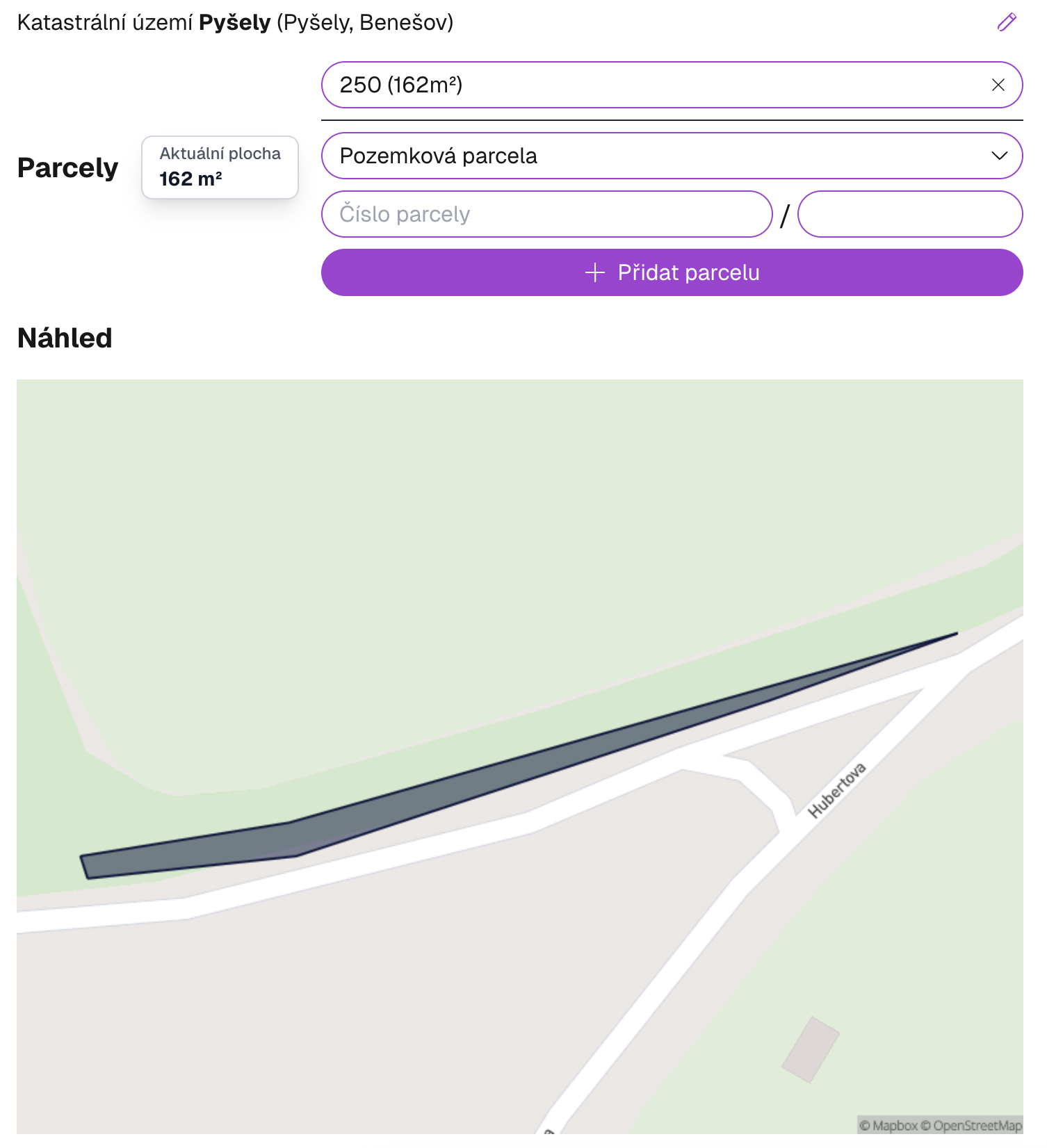
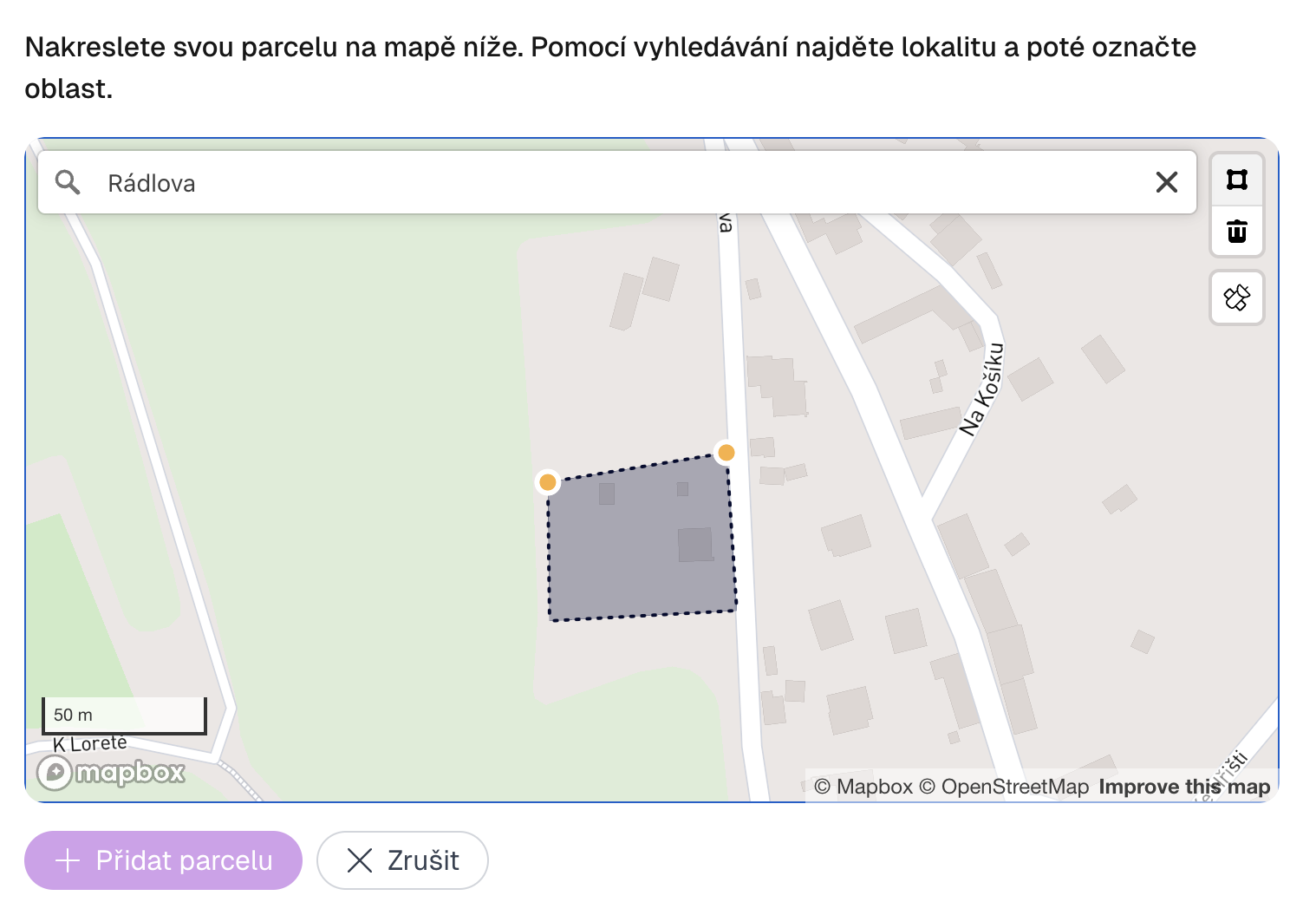
Enter the address, land register number (LV), find the location on the map or draw the plot manually. The system automatically highlights plot boundaries according to cadastral data.
Media addition
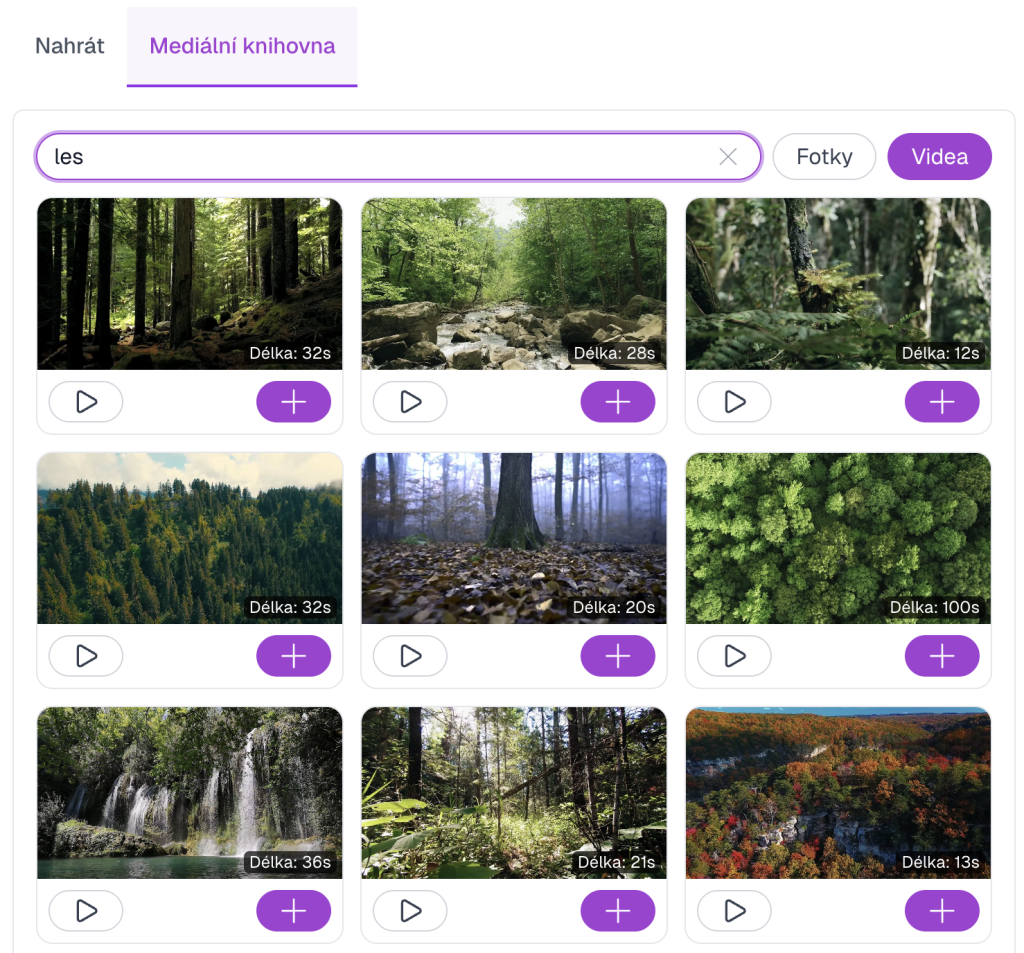
Upload your own photos or videos of the land, or select from the free public media library. ELIDAT automatically supplements satellite images and views of surroundings.
TIP! – After uploading any photo, you can click the camera icon with a robot to convert the image to video. This way you won't have plastic shots in your video.
TIP! – ELIDAT automatically creates smooth transitions between photos using AI. The resulting video looks like a drone shot — no drone.
Key information
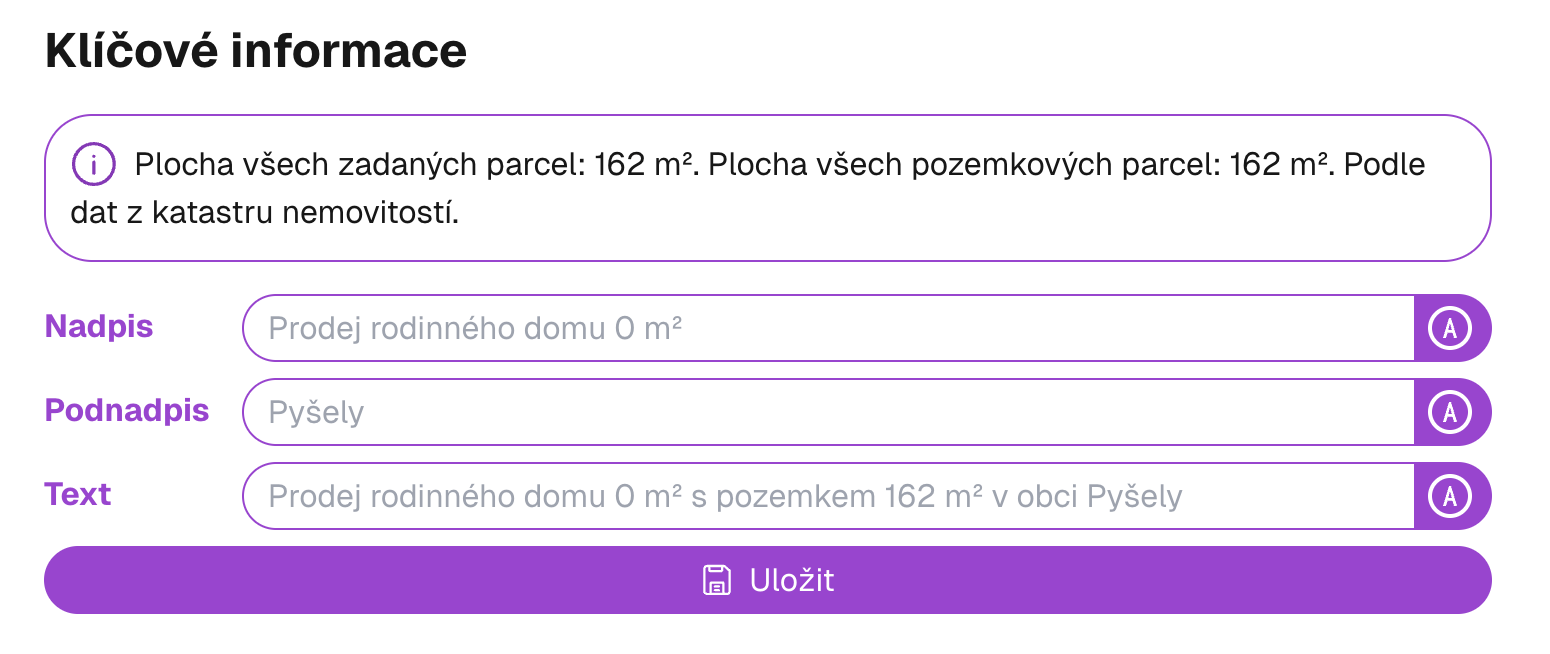
Add important data about the land — area, price, type of use and other parameters that will appear directly in the video.
Amenities
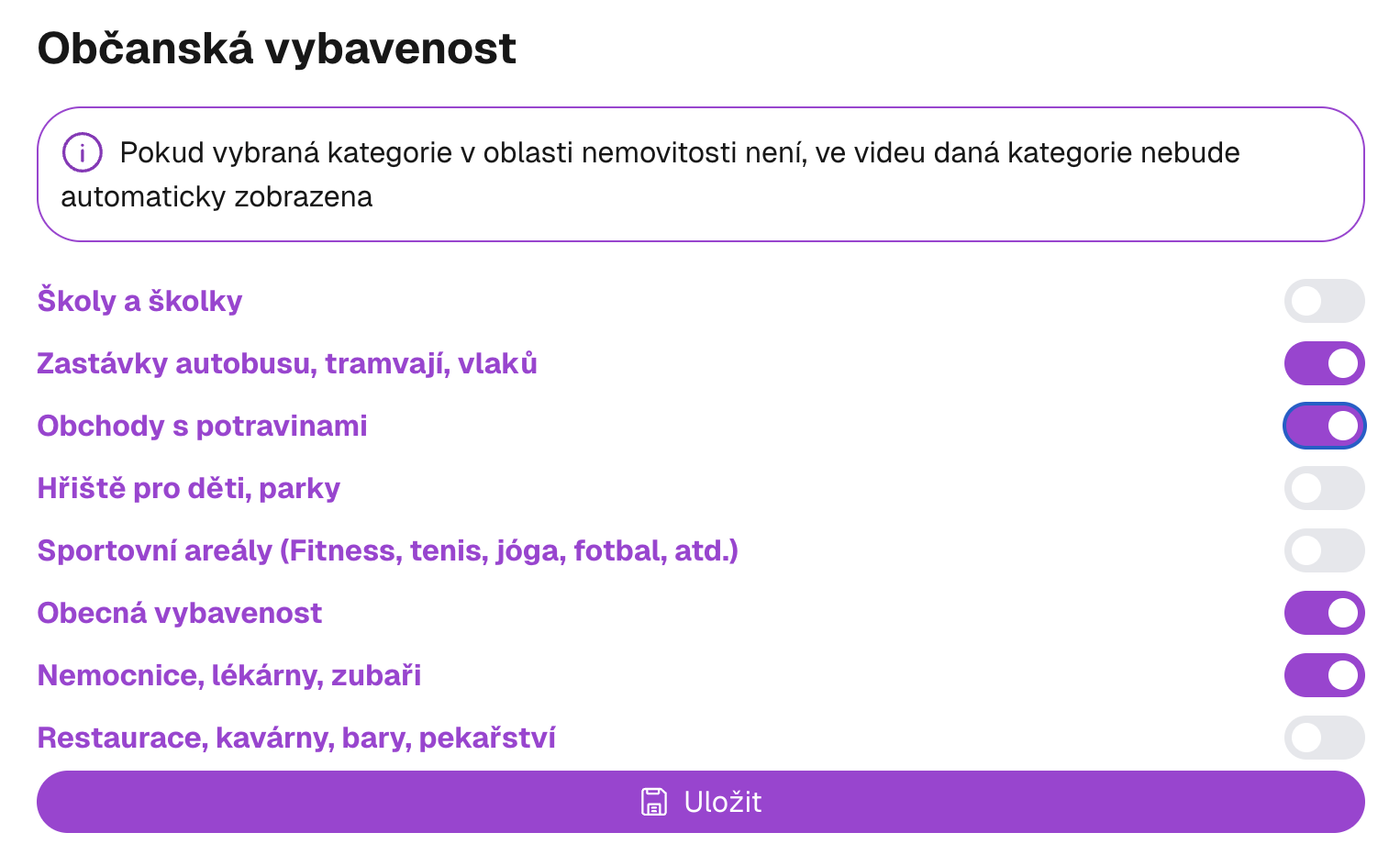
Choose amenity categories you want to display in the video — schools, shops, doctors and other important points of interest around the plot.
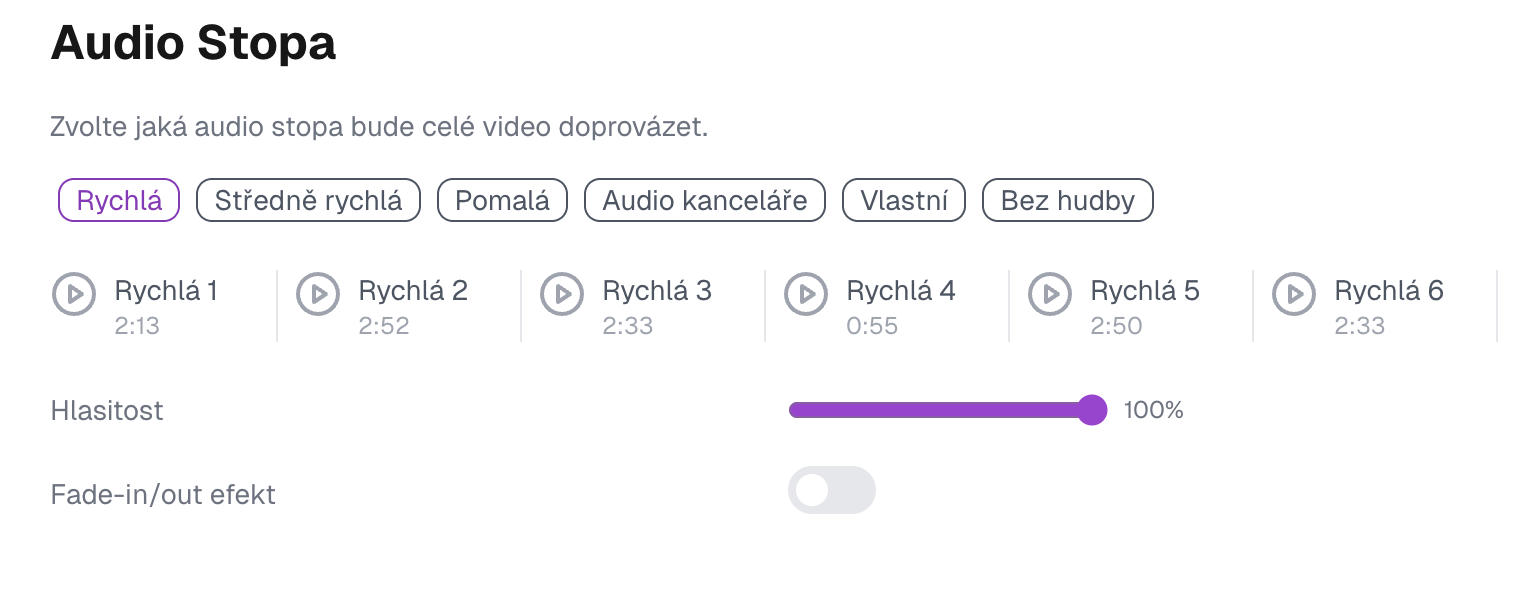
Audio track
Choose music for the entire video. Choose from several genres and tempos — or upload your own composition.
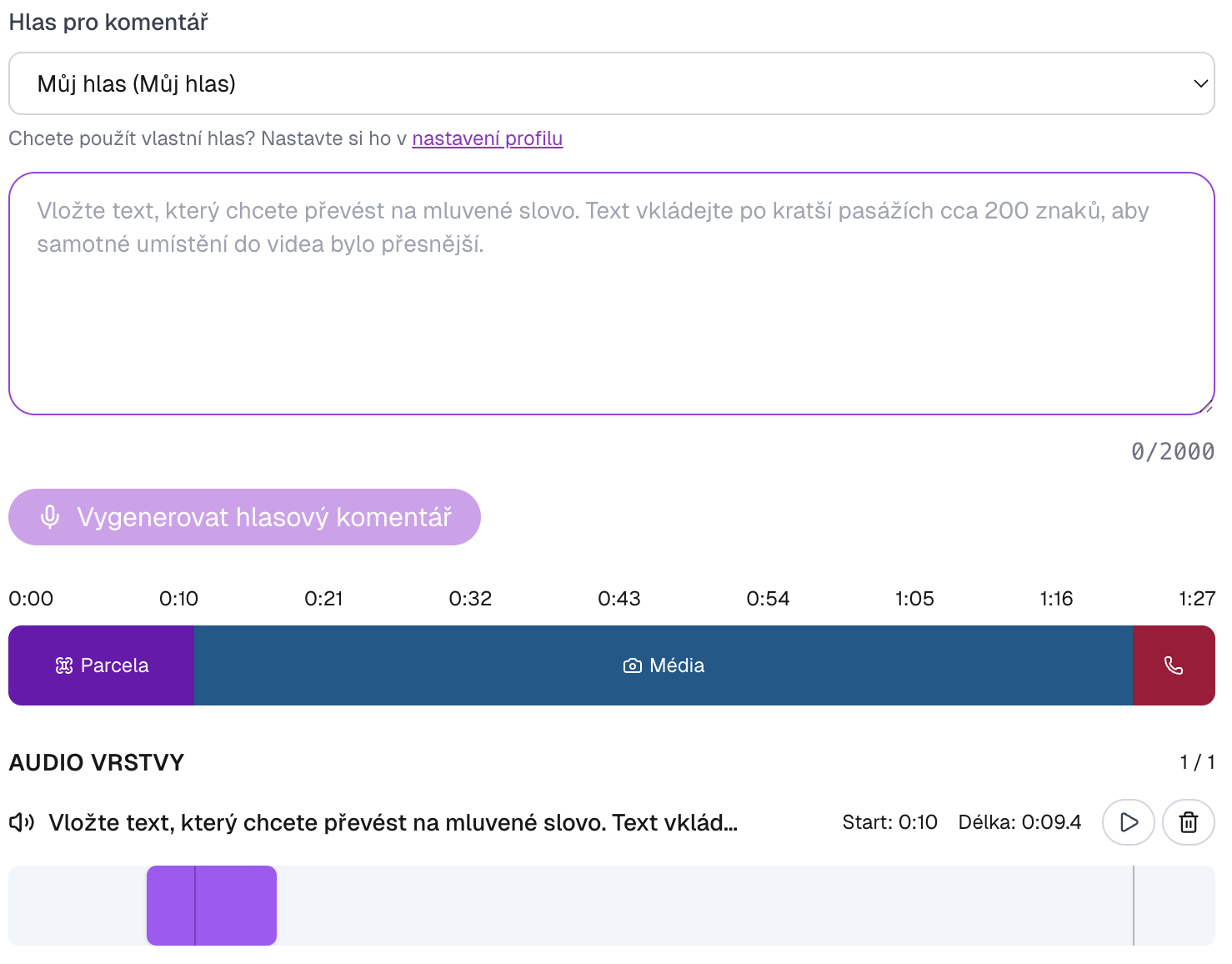
Adding spoken commentary
AI generates spoken commentary for each part of the video. Choose from pre-prepared voices, or create a clone of your own voice as part of your subscription — the video then sounds exactly like you.
Key information
Fill in title, subtitle and land description that will appear directly in the video. ELIDAT will insert them into a professional design.
Contact information
Fill in contact details — name, phone, email and optionally logo. This information will appear on a business card directly in the video.
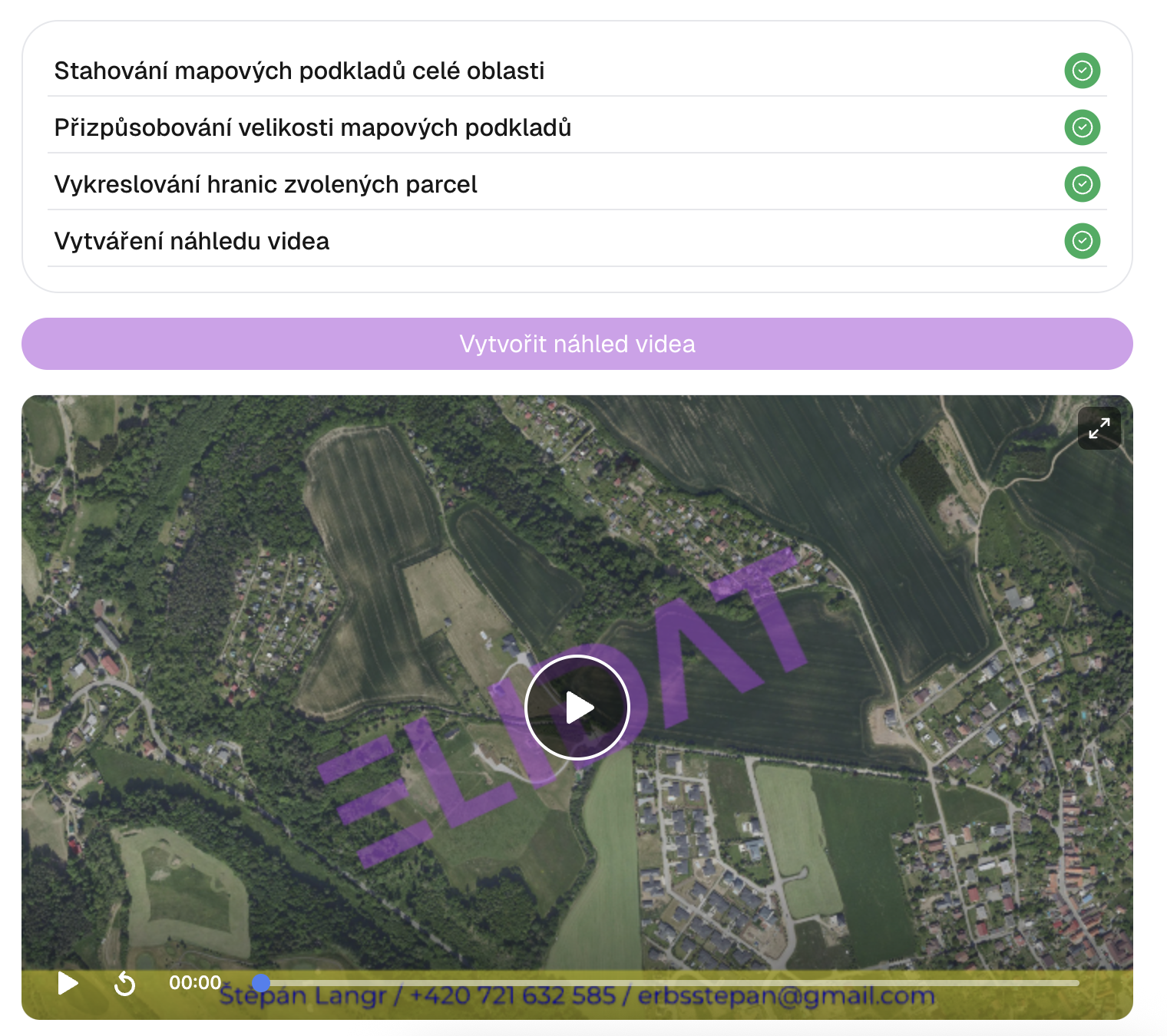
Video preview
The system generates a video preview that you can check. If anything is not correct, you can go back and edit the data.
Reels format
Generate videos in vertical format (9:16) optimized for Instagram Reels, TikTok and YouTube Shorts. Expand your listing reach on social media. Available for PRO and Office subscribers.
Ready to try it?
Start creating professional videos for your properties today.